Alfred for Windows
There is no Alfred for Windows. Here's what comes close.
Alfred is a Mac app, and there is no Windows version. What you miss from it — a keystroke that launches anything, file and web search, clipboard history, snippets, workflows — Windows launchers cover between them. This page maps Alfred's features to Kavibay, and lists the other launchers honestly.
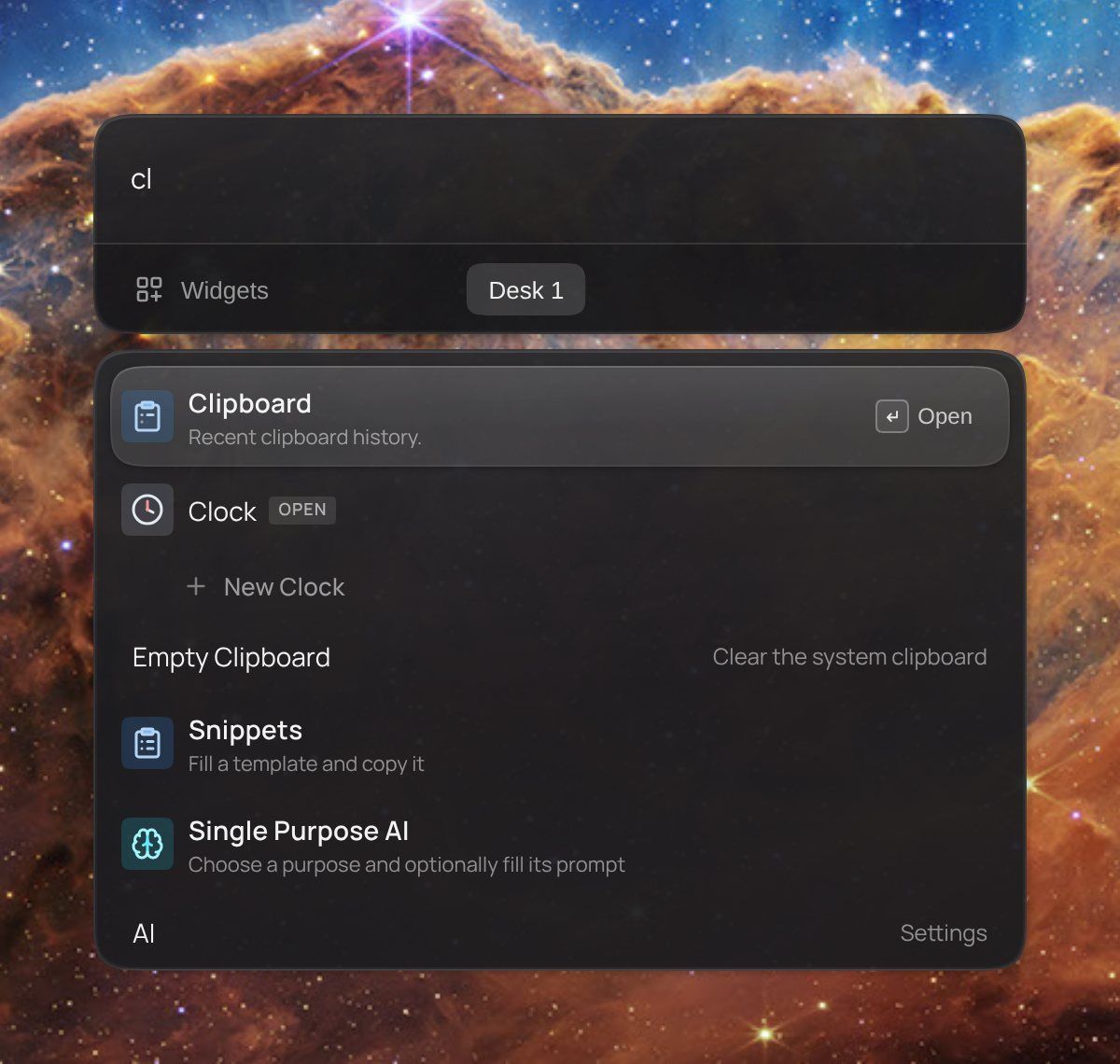
Alfred's features, in Kavibay
| In Alfred | In Kavibay |
|---|---|
| The hotkey | Double-tap Ctrl — no other key combination to remember |
| Launch apps | Fuzzy search in the palette; recently used commands on ↓ |
| File search | Files and folders in the palette; f term opens Windows Search, Ctrl+T opens a folder in the terminal |
| Web search | g term searches Google |
| Clipboard history | The Clipboard widget — it skips copies a password manager marks as secret |
| Snippets | The Snippets widget: templates with {placeholders}, filled in and copied |
| Workflows | Extensions — or describe one to the Widget Wizard and it gets built |
| — | Widgets on the same layer: clock, weather, to-dos, Spotify, GitHub Actions |
| — | Ctrl+Shift+Q: translate, fix or rewrite selected text in any app, with your own AI key |
The launchers Windows has
- Kavibay
- Launcher and widget workspace in one, with widgets you can build from a sentence. Free and open source; version 0.1, Windows 10 and 11.
- Raycast
- The popular Mac launcher, now available on Windows too. Most of it is free, with an optional Pro subscription for AI and sync.
- PowerToys Command Palette
- Microsoft's free launcher inside PowerToys, opened with
Win+Alt+Space. It succeeds PowerToys Run. - Flow Launcher
- Free, open source and plugin-based; the closest to Alfred's keyboard-first feel.
- Listary
- Built around file search, free with a Pro tier.
- Keypirinha
- Fast, keyboard-only, configured through text files.
- Wox
- Free and open source, one of the older Alfred-style launchers on Windows.
If all you want is to launch apps and find files, any of these will do. Kavibay is for when the launcher should also hold what you check all day — and grow the widget you are missing.
Where Kavibay is different
- Widgets, not only results. The palette brings a desk of widgets with it; pin the ones you want to keep on screen.
- Workflows you describe. The Widget Wizard turns a sentence into a working widget, with your own AI key or Claude Code and Codex over MCP.
- Keys that stay put. GitHub, Linear, Notion, Spotify and other accounts are stored encrypted and used in Rust; a widget never sees the token.
- Open source. Core GPL-3.0, SDK and widgets MIT, on GitHub.
Questions
Is there an official Alfred for Windows?
No. Alfred is made for macOS only.
Can I bring my Alfred workflows?
No launcher on Windows runs Alfred workflows. In Kavibay you can describe what a workflow did to the Widget Wizard and get a widget or action that does the same.
Is Kavibay free?
Yes, and open source. Only the Widget Wizard costs a few cents per widget, paid to the AI provider whose key you add.
Where is the full list of keys?
In the docs.